APIs and automation
How to Rotate API Credentials Without Leaving a File Integration Halfway Done
A guide to preparing, deploying, verifying, and retiring API credentials with controls that reduce the risk of disrupting file workflows.
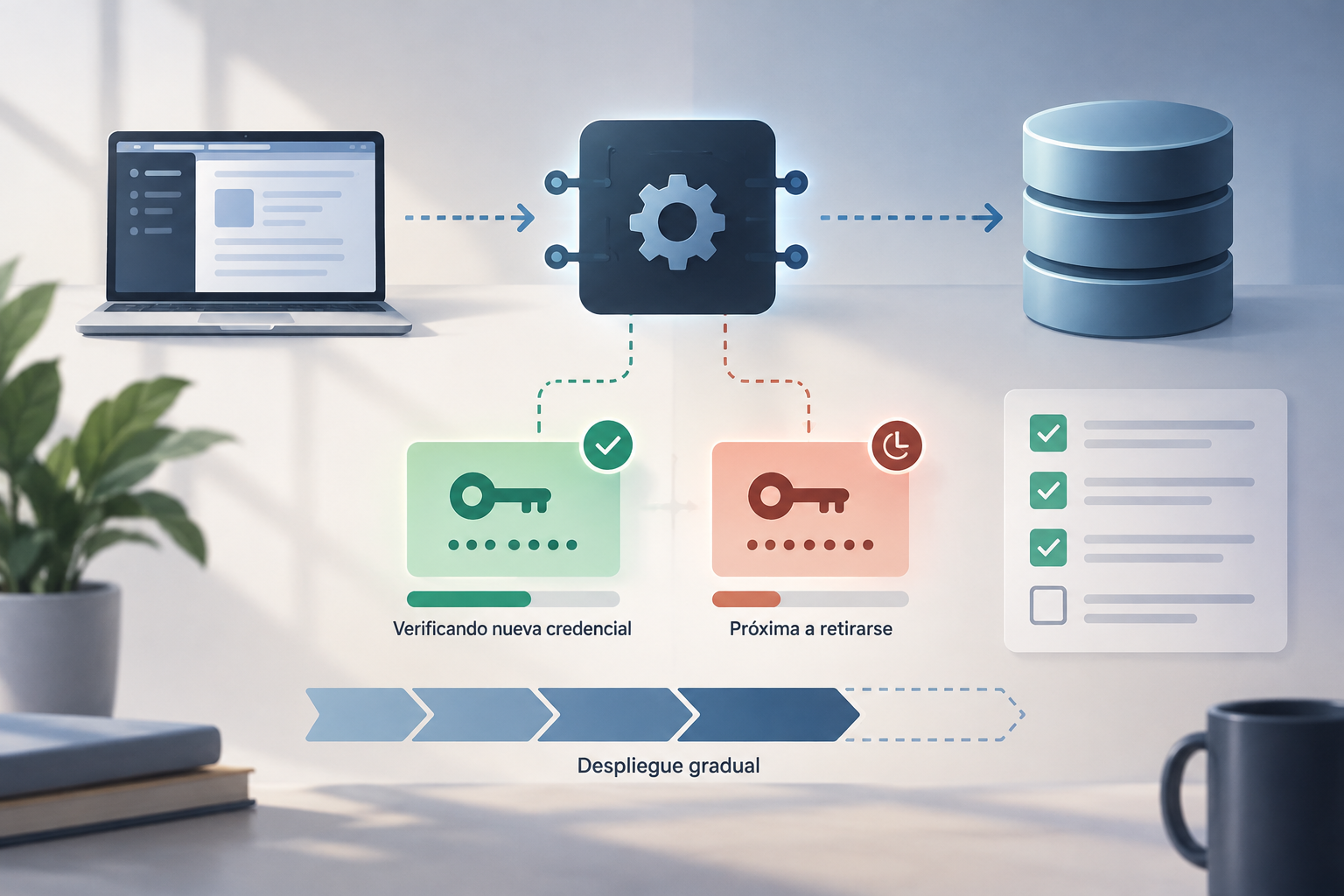
What credential rotation means and when to do it
Rotating API credentials means replacing the secret used by an integration and checking that authorized processes work with the new value. It may be a planned change, a response to a possible exposure, or a task following the departure of someone who had access. In each case, define the reason and scope: which credential will change, which systems use it, and who will coordinate the operation. Rotation is not, by itself, a full permissions review.
If someone should no longer have access, revoking or adjusting their permissions is a separate action and may be necessary even if an application's credential does not change. Conversely, replacing a key does not guarantee that unnecessary personal access has been removed. Keep these two objectives separate in your plan. If exposure is suspected, prioritize limiting use of the affected secret and follow your organization’s and provider’s response procedures rather than waiting for a routine maintenance window.
- Planned change: set the owners, scope, and execution window.
- Suspected exposure: treat the secret as potentially compromised and avoid copying it into coordination channels.
- Someone’s departure: also review individual permissions, not just the technical credential.

Inventory consumers before touching the secret
Start with the current documentation for the specific API. Confirm the authentication type, how credentials are issued and revoked, which permissions can be associated with them, and what responses to expect when a credential is invalid. Do not extrapolate the procedure from another service: some providers offer a specific rotation option or a time limit, but that does not show that your API has the same feature. Apification integrations can use REST API, OpenAPI, webhooks, iframe, and JavaScript; check the applicable documentation to confirm the mechanism used by your integration.
Then identify every consumer of the secret. The inventory should cover applications and environments—for example, testing and production—as well as workers, scheduled tasks, import or export processes, and services that run outside normal hours. Also look for duplicate configurations and old deployment copies. An incomplete list often shows up as intermittent failures: the main application works, but a nighttime task still has the previous value.
- Record the owner, environment, configuration location, and execution frequency for each consumer.
- Include background processes and replicas that may still be active.
- Do not store the credential value in the inventory.

Prepare issuance, distribution, and any possible overlap
Before the change, confirm who is authorized to issue a new credential and who can retire the old one. Decide how the secret will be distributed securely, how instances will be updated, and who will check each stage. Use the secret-management and deployment mechanisms already approved by your organization; do not treat email, tickets, or source code as credential stores. If no process is defined, agree on one before generating or moving the secret.
Ask the provider explicitly whether two credentials can remain valid during a transition, how long that overlap lasts, and how each one is revoked. Do not assume this is possible: the available evidence does not establish that Apification supports simultaneous credentials, automatic rotation, or an overlap period. If the API does not allow a parallel transition, plan a coordinated window, identify the documented order of actions, and agree how to limit impact if something goes wrong.
- Confirm the current procedure in official documentation before proceeding.
- Ensure application, operations, and API owners are available during the change.
- Do not generate a credential without identifying an owner and consumer for it.
Update the configuration in a controlled way
Once the provider has issued the credential and the procedure is clear, update the protected configuration using the defined mechanism. Avoid adding it to a repository, uncontrolled shared files, commands that remain in terminal history, or debug logs. Also check that error messages do not print headers, parameters, or sensitive values. In change tickets, record the status and time of each step, never the secret or screenshots that could expose it.
Deploy in stages when the architecture and authentication method allow it: start with a limited consumer, then update the rest, and finally the less frequent processes. Observe the result at each stage before continuing. If a gradual update is not possible, coordinate the change as a single operation and communicate which services might be temporarily unavailable. Do not confuse a completed deployment with verification: a process may start successfully and still fail when performing a specific file operation.
- Update all planned environments and confirm which instances received the configuration.
- Do not publish the secret in code, logs, conversations, or support requests.
- Stop if unexplained errors appear or an instance retains an older configuration.
Test the actual file workflow
Define a small, representative test before starting. First check that the consumer authenticates and that the API response corresponds to the expected operation. Then verify the minimum permissions required and perform a limited read or write, depending on what the integration does. Review the file result and error handling; it is not enough to check that a request received a response. Use appropriate test data and avoid overwriting real content without authorization.
Repeat the check for consumers that do not share the main application's execution cycle. Include scheduled tasks, workers, and webhook-triggered processes where relevant. Apification supports integrations through APIs and webhooks, and its automation services include retries, history, and statistics; these capabilities may help review integration activity, but they do not replace authentication testing or, by themselves, confirm that every consumer has been updated. Record observable results and the exact scope of the test.
- Authentication: the new secret is accepted by the intended consumer.
- Authorization: the integration retains only the permissions required for its task.
- File: the intended read, write, or transformation completes and its result can be checked.
- Asynchronous processing: no failed or pending tasks remain without investigation.
Retire the old credential based on evidence
Do not retire the old credential just because the main service responds. First compare the inventory with active instances and tasks run during an observation period that makes sense for each consumer’s frequency. Look for requests still using the old value, if the API provides suitable logs, and verify that no workers have been forgotten and no deployments are pending. If you lack sufficient visibility, identify that limitation rather than claiming that all consumers have migrated.
When the evidence and documented procedure indicate it is safe, revoke or disable the old credential according to the provider’s instructions. Record the time and owner, but not the secret. If the provider offers particular options—for example, a rotation action or a time limit—follow its current documentation; a platform’s mechanism is not a general rule. Rotation does not automatically alter files. To recover content, use Cloud version history if relevant, as a separate action.
- Check active consumers and infrequent processes before revoking.
- Follow the API’s documented retirement mechanism; do not improvise.
- Confirm that the old credential is no longer needed and record the decision.
Recovery, common failures, and a checklist for next time
Common failures are predictable: a cached secret, a forgotten replica, a scheduled task that did not run during testing, or a deployment applied to only some instances. The old credential may also be revoked before the update is complete. Decide in advance who can stop the deployment, which signals require a pause, and how to communicate the incident. If the secret is considered exposed, do not restore it as an automatic fix: reactivating it during recovery could reopen the risk.
The recovery plan must depend on the actual state of the credentials and the provider’s procedure. If the new credential does not work and the old one is still active and not compromised, the owner can stop the rollout and follow the approved procedure to return to an operational state. If the old credential was exposed or has already been revoked, do not assume it can be recovered; request another credential or follow the service’s instructions. At closeout, document causes, completed steps, and outstanding items without storing secrets or sensitive data.
- Before: documentation reviewed, consumers inventoried, owners available, and recovery agreed.
- During: protected configuration, controlled rollout, file tests, and monitoring of asynchronous processes.
- After: old credential retired according to procedure, outcome confirmed, and notes recorded without secrets.
- If in doubt: pause, preserve non-sensitive evidence, and consult the provider before revoking or restoring.
Frequently asked questions
Can every API keep two credentials active during rotation?
Do not assume so. Check the current documentation to see whether the API supports simultaneous credentials, how long any overlap lasts, and how each value is revoked. The available evidence does not establish these capabilities for Apification.
Is rotating a credential the same as removing someone's access?
No. Rotation replaces an integration’s secret; reviewing or revoking individual permissions is a separate task. Depending on the reason for the change, both actions may be necessary.
What should I test before retiring the old credential?
Check authentication, required permissions, and a representative read or write operation. Include workers and scheduled tasks, and review errors and pending runs before following the documented revocation procedure.
Sources and further reading
Documentation consulted while preparing this article.
- Rotación de las claves API — Rapyd
- Rotar las credenciales del clúster — Google Cloud
Explore Apification
Related articles

APIs and automation
Null, Empty, Zero, or Missing: How to Avoid Changing Meaning in JSON for an API
Distinguish values in a JSON payload and consult the endpoint contract before deciding what to send.
APIs and automation
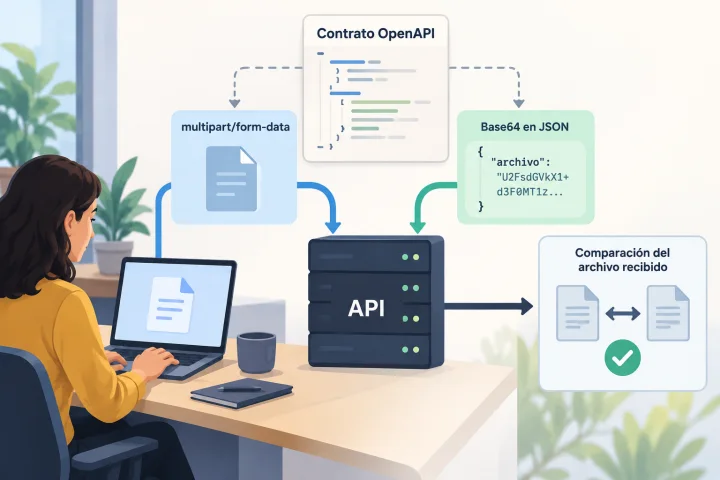
Uploading Files to an API: Multipart or Base64 and How to Prevent Corrupted Uploads
The right representation depends on each endpoint’s contract. Learn how to inspect it, build compatible requests, and verify the received file before putting the integration into production.

APIs and automation
JSON Lines or a JSON Array: Prepare Records for an API Without Losing Data
JSON Lines and a JSON array can contain similar records, but they do not have the same structure. Learn to check the API contract, transform a sample, and review the result before sending it.