Visual PDF field placement
Render document pages and position signature, initials, date, text and checkbox fields precisely.

Configure signers, fields, authentication and evidence for traceable PDF signing processes.
The screenshot shows the product’s current interface inside an Apification account.
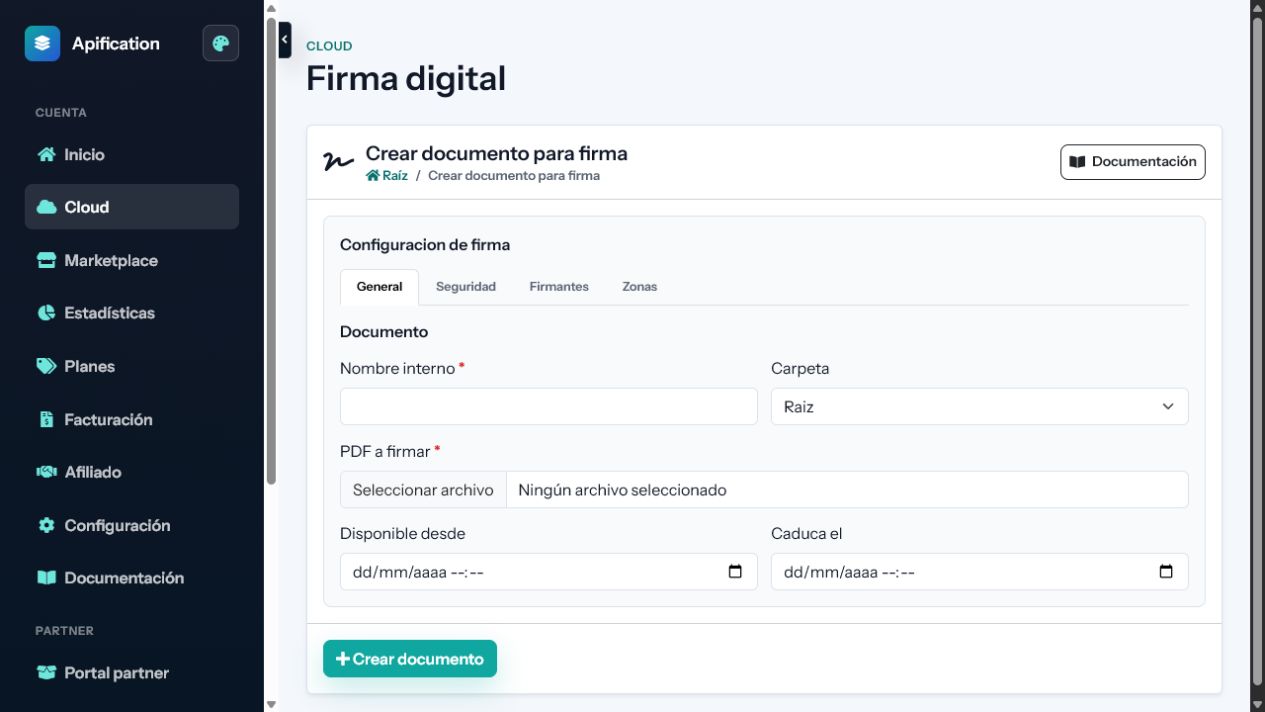
Render document pages and position signature, initials, date, text and checkbox fields precisely.
Create identified signers and assign every required field to the person responsible for completing it.
Choose whether all signers can act at once or must complete the document in a defined order.
Render document pages and position signature, initials, date, text and checkbox fields precisely.
Create identified signers and assign every required field to the person responsible for completing it.
Choose whether all signers can act at once or must complete the document in a defined order.
Use individual links, OTP or supported external authentication according to the process requirements.
Prevent completion while mandatory signatures or data remain empty or invalid.
Limit access to a defined period and notify pending signers without manual follow-up.
Record relevant identities, timestamps, events and technical evidence for each signing process.
Generate the completed PDF and retain the request, status and evidence inside Cloud.
Notify connected systems about delivery, access, signature, completion or failure events.
PDF, signers, roles, fields, order, and authentication methods.
Signature links, completed document, statuses, tracking, and evidence.
The request retains signers, events, and deliverables without altering the sent PDF.