Solution

Document management

Organize, edit, transform, sign and share documents while retaining versions and permissions.

Overview

Organize, edit, transform, sign and share documents while retaining versions and permissions.

Apification interface used in Document management
Who it is for

A solution designed for a specific operating context

Administrative, legal, finance and operations teams that receive, prepare, approve and deliver documents.

What changes when the process is connected

  • Scattered files and versions that are hard to identify.
  • Conversions, signatures and delivery handled in separate tools.
  • Limited control over permissions, changes and document status.
Solution architecture

Connected inputs, capabilities and outcomes

Inputs

Office documents, PDFs, text, spreadsheets, presentations and files imported from external Cloud providers.

Outcomes

Edited or converted documents, signed PDFs, recoverable versions, controlled links and integration events.

Capability map

FeaturesApification serviceExpected outcome
Central document repositoryOrganize office files, PDFs and supporting assets in folders with search, metadata and content-aware previews. Apification Cloud Manage files, services and digital projects in an organized, versioned workspace designed for sharing.
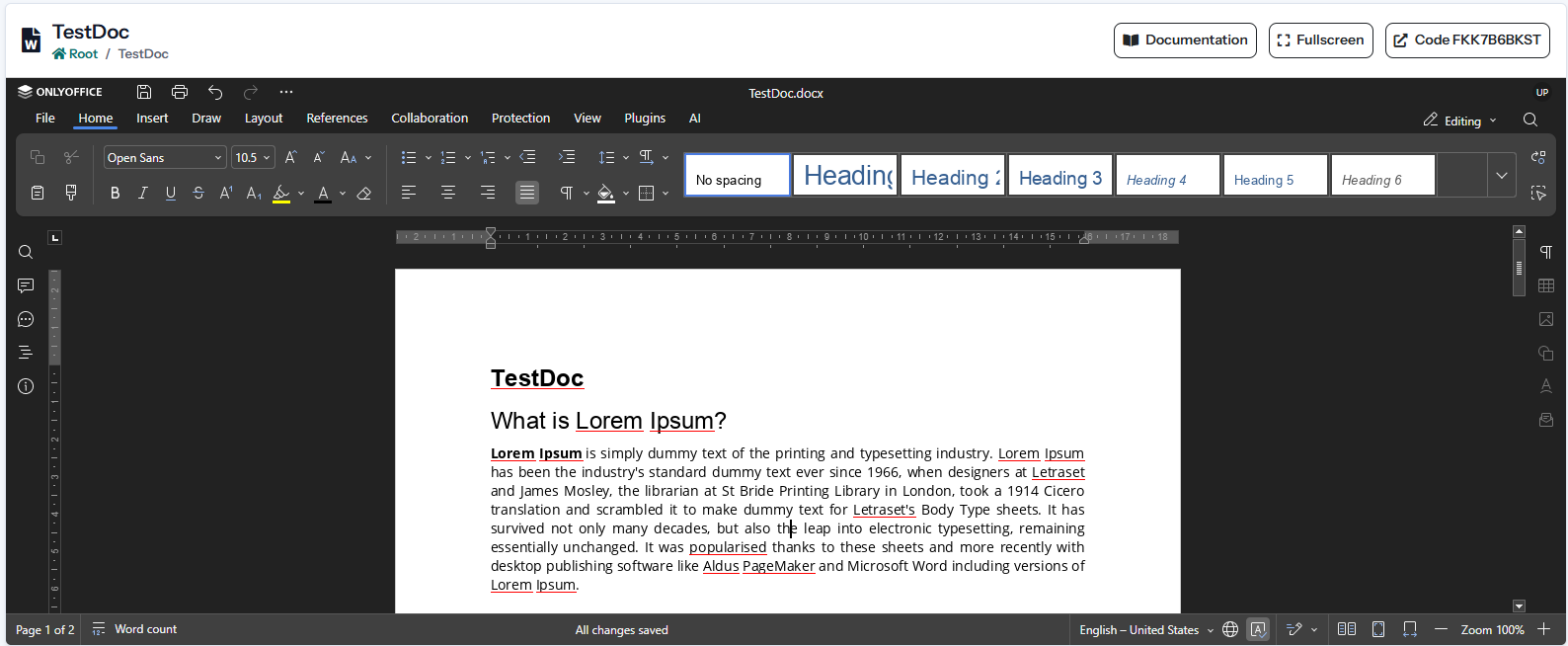
Online office editingCreate and edit documents, spreadsheets and presentations through ONLYOFFICE without leaving Cloud. Documents, sheets and presentations Create and edit office files with ONLYOFFICE while keeping them inside Cloud storage.
Document and PDF transformationConvert formats, optimize files and merge, split, reorder or extract document content when supported. File transformation Convert, split, merge, optimize and process documents, images, video, audio and data through a guided wizard.
Controlled PDF signingPrepare signers, fields, access methods, expiry and evidence for traceable signature processes. Electronic PDF signature Configure signers, fields, authentication and evidence for traceable PDF signing processes.
Additional capabilities

Features that complete the solution

05

Versions and recovery

Retain saved revisions, inspect previous states and restore content after an unwanted change.

06

Permissions and private sharing

Grant access to users or groups while keeping sensitive documents outside public visibility.

07

Original and converted delivery

Share a source document or provide a compatible transformed download without creating unmanaged copies.

08

Import from external clouds

Bring documents from Google Drive, OneDrive or Dropbox directly into the managed workspace.

09

API and webhook automation

Connect document arrivals, transformations, signatures and results with external business systems.

Complete scenarios

How it works in a practical case

Complete a process with fewer tools.

Starting situation
Scattered files and versions that are hard to identify.
Configuration and process
Create and edit documents, spreadsheets and presentations through ONLYOFFICE without leaving Cloud.
Outcome
Edited or converted documents, signed PDFs, recoverable versions, controlled links and integration events.

Coordinate people, resources and deliverables.

Starting situation
Conversions, signatures and delivery handled in separate tools.
Configuration and process
Convert formats, optimize files and merge, split, reorder or extract document content when supported.
Outcome
Edited or converted documents, signed PDFs, recoverable versions, controlled links and integration events.

Improve operations using real activity data.

Starting situation
Limited control over permissions, changes and document status.
Configuration and process
Prepare signers, fields, access methods, expiry and evidence for traceable signature processes.
Outcome
Edited or converted documents, signed PDFs, recoverable versions, controlled links and integration events.

Requirements and limits

  • Editing and administration interfaces require a modern browser with JavaScript.
  • The account needs available storage for originals, projects, versions and outcomes.
  • Office editing requires an accessible ONLYOFFICE server; some conversions require LibreOffice.

Security and privacy

  • Resources remain private until they are explicitly shared or published.
  • Users, groups, roles and visibility control who can view or change each item.
  • Versions and restoration reduce the risk of losing changes or previous deliverables.

Integrations

  • Google Drive, OneDrive and Dropbox can supply source files.
  • The API creates and queries resources; webhooks report changes and outcomes.
  • Compatible services can be distributed through controlled public links.

Usage and planning

  • Originals, projects, versions and outcomes use the account storage quota.
  • Transformations, renders and other processes may use credits under the effective tariff.
When it fits

Check whether this solution matches your needs

When it fits

  • You need a repository connected to editing, conversion and signing.
  • Originals, versions and deliverables must remain related.
  • You want to automate intake or outcomes through API and webhooks.

When another approach is needed

  • You need a regulated case-management system with specialized legal classification.
  • You are replacing a complete ERP or accounting system.
Frequently asked questions

Questions about Document management

Yes. Edits, conversions, and signed documents can be stored as separate resources or versions without losing the source.

Yes. Items can be shared with users or groups and use different visibility rules for administration and publication.

Yes. The API and webhooks can automate document intake, transformations, signatures, and result delivery.