Product

Image Studio

Edit images on an integrated canvas with layers, text, shapes, filters and modern export formats.

Overview

Edit images on an integrated canvas with layers, text, shapes, filters and modern export formats.

Real interface

An environment integrated into Apification

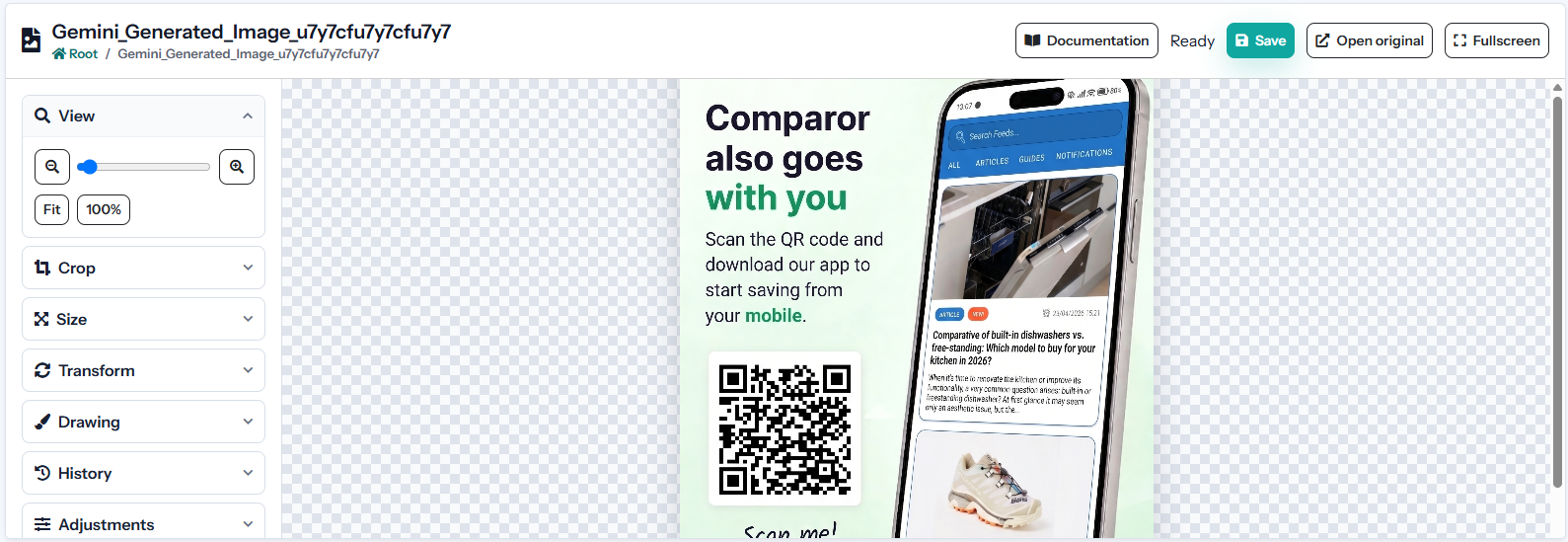
The screenshot shows the product’s current interface inside an Apification account.

Image Studio interface in Apification
Configurable canvas

Set width, height, orientation, background and transparency for the final composition.

Layer-based composition

Add, rename, reorder, hide and lock layers while keeping source images unchanged.

Cloud media selection

Insert compatible images through the shared Cloud selector without downloading and uploading them again.

Features

What Image Studio can do

01

Configurable canvas

Set width, height, orientation, background and transparency for the final composition.

02

Layer-based composition

Add, rename, reorder, hide and lock layers while keeping source images unchanged.

03

Cloud media selection

Insert compatible images through the shared Cloud selector without downloading and uploading them again.

04

Text and graphic objects

Create text, shapes and visual elements with editable typography, fill, border and alignment.

05

Geometric editing

Position, scale, crop, rotate and flip each object independently on the canvas.

06

Visual adjustments

Control opacity, brightness, contrast, saturation and other available corrections per composition.

07

Format-specific export

Export PNG, JPEG, WebP, AVIF, TIFF, BMP, ICO and other supported formats with compatible options.

08

Quality and transparency control

Adjust compression, lossless modes, progressive output and fallback backgrounds according to the target format.

09

Editable project and Cloud result

Save the working composition, create a rendered file and reuse it in other Apification services.

Technical information

Inputs, results, and work continuity

Supported inputs

Cloud images, text, shapes, colours, and a configurable canvas.

Results and export

PNG, JPEG, WebP, AVIF, TIFF, SVG, and other supported formats.

Work continuity

The project retains canvas, layers, and objects; exports are independent final images.

Practical examples

From input to result

Configuration

Layer-based composition

Result
Add, rename, reorder, hide and lock layers while keeping source images unchanged.
Configuration

Cloud media selection

Result
Insert compatible images through the shared Cloud selector without downloading and uploading them again.
Configuration

Text and graphic objects

Result
Create text, shapes and visual elements with editable typography, fill, border and alignment.
Recommended configurations
1080 × 10801080 × 1920WebP webPNG alpha

Limits and requirements

  • Requires a modern browser with JavaScript enabled.
  • Some conversions and optimisations require ImageMagick or compatible image codecs.
  • Maximum size depends on the extension and the limits configured for the account.

Privacy and data

  • Layers, tracks, and settings are saved without modifying source files.
  • New resources remain private until their visibility is changed.
  • Export lets you choose whether compatible metadata is retained or removed.

Integration and automation

  • The shared Cloud picker reuses files without uploading duplicates.
  • Saved results can be opened or selected in other studios and services.
  • Transformed downloads reuse the formats supported by File Transformer.

Plans and usage

  • The editable project and every saved render are counted as separate resources.
  • Operations use the effective configured tariff; an estimate is shown before execution when applicable.
Frequently asked questions

Questions about Image Studio

No. Editing is non-destructive and the original remains available. Saving the project and exporting a rendered image are separate operations.

PNG, WebP, AVIF, TIFF, and other alpha-channel formats can preserve it. JPEG and formats without alpha require a background colour.

Yes. Once the render is saved to Cloud, it can be selected directly in landing pages, surveys, events, sliders, and multimedia studios.