Recoverable states on compatible changes
Preserve earlier content when supported saves or updates modify a managed Cloud item.

Review Cloud item history, download previous versions and restore content safely.
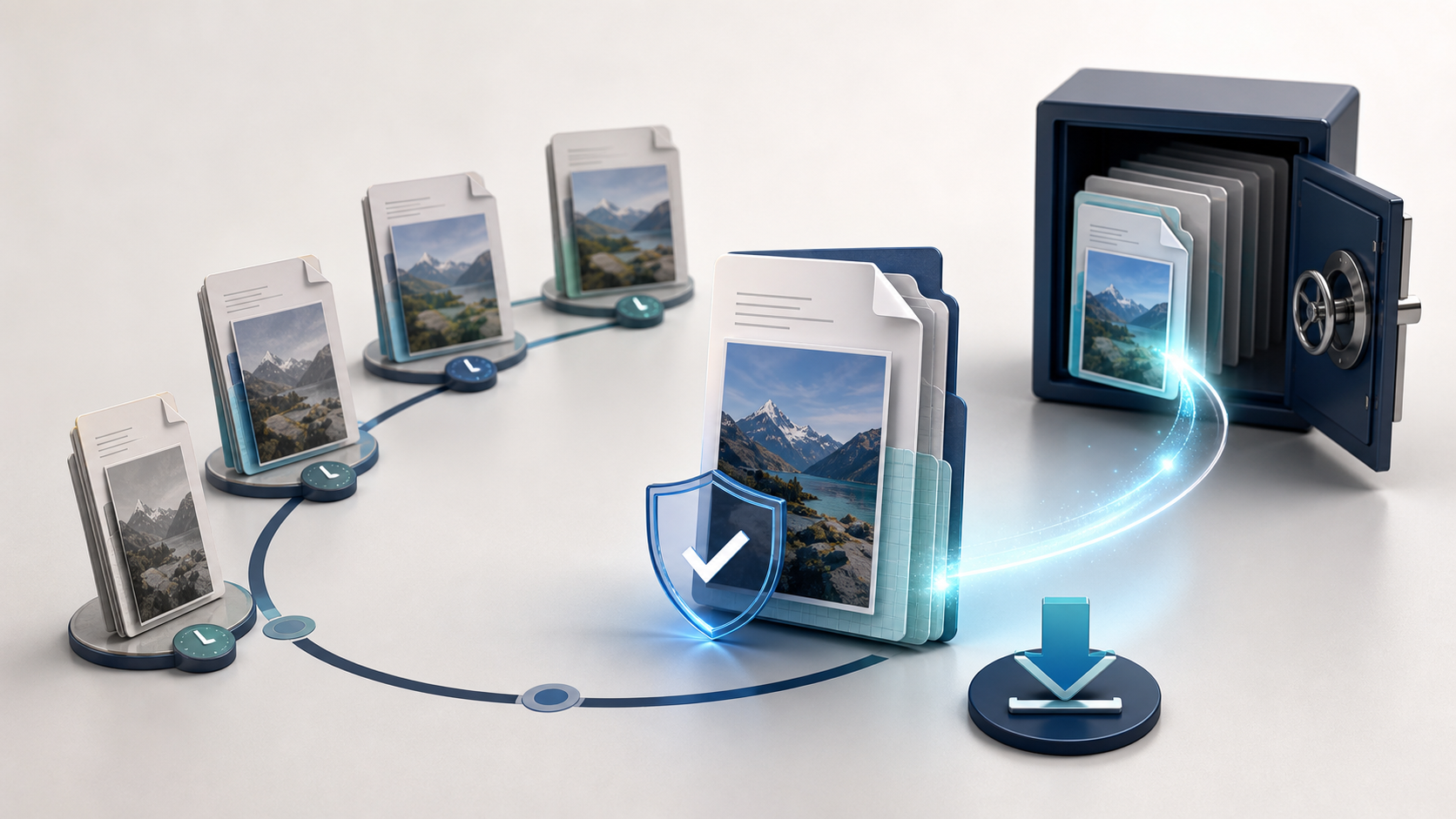
Preserve earlier content when supported saves or updates modify a managed Cloud item.
Keep revisions connected to the same item code, properties, permissions and surrounding workflow.
Use available date, author, size and state information to identify the version you actually need.
Preserve earlier content when supported saves or updates modify a managed Cloud item.
Keep revisions connected to the same item code, properties, permissions and surrounding workflow.
Use available date, author, size and state information to identify the version you actually need.
Retrieve an earlier file for inspection or comparison without making it the active content.
Return the active item to a selected state without manually replacing files or changing its identity.
Apply account rules to how many revisions remain recoverable and how their storage is accounted for.
Recover earlier content through versions and recover removed items through the recycle bin as two distinct safeguards.
Use version-created and version-restored events to keep external processes informed of important content changes.
Earlier states stay connected to the active item so recovery is deliberate and traceable.
A compatible update preserves the previous content as a managed revision.
Use revision context to identify the state that may be required.
Retrieve previous content for comparison without changing the active item.
Make the selected state active while preserving the resource identity and access context.
Version history protects editable work by keeping recoverable states tied to the same Cloud item, instead of relying on manually renamed copies spread across folders.
Previous states remain connected to the resource code, properties and permissions, keeping the evolution of one item in a single place.
Compatible saves and updates preserve earlier content according to the versioning and retention rules applied to the account.
Dates, user context, size and other available metadata help distinguish revisions before downloading or restoring one.
Select an earlier state from the version panel and return the active item to that content while preserving the managed workflow.
The number and lifetime of recoverable states can depend on account policy, storage limits and cleanup rules.
Versions recover earlier content; the recycle bin recovers an item that was removed from the active Cloud listing.