Security and privacy
Revoke Access to Shared Files: A Checklist to Close a Project or Remove a Collaborator Without Chaos
An operational guide to remove access without deleting files, losing history, or forgetting links, groups, publications, and deliverables already downloaded.

The real problem: files remain active after someone leaves
Revoking access to shared files should not start with “let’s delete the user.” When someone leaves a project, changes roles, or ends an external collaboration, documents, media, and deliverables continue to exist in folders, links, publications, previous versions, and downloads that have already been made. The risk is not only that someone keeps an active account, but that the material remains accessible through paths the team no longer remembers.
That is why it is useful to treat access removal as a verifiable process. ENISA guidance recommends providing, modifying, withdrawing, and documenting access rights according to an access control policy. OWASP, for its part, insists on denying by default and justifying every permission. Translated into operations: close first what no longer has a reason to exist, keep what is necessary for traceability, and document what remains outside your control, especially if a file has already been downloaded.

Map access before touching anything
Before removing permissions, create an inventory. Identify main files, folders, published services, forms, pages, embedded media, and transformed deliverables. In environments such as Google Drive, the documentation distinguishes permissions by user, group, domain, or anyone, with different roles. In OneDrive and SharePoint, there may also be links, direct access, and inherited access from a site or folder. The operational lesson is the same: not all access appears in the same place.
In Apification Cloud, the work should start from the organized and versioned space where files, services, and digital projects are managed. Review which items are shared through users, groups, or links, and whether original or transformed downloads are offered. If pages, forms, or events with access periods have also been published, include them in the map. A useful inventory should answer: who can enter, through which path, with what scope, for how long, and on which version or derivative of the file.

Direct permissions versus group permissions
One of the most common mistakes is editing file by file without understanding where the permission came from. If the person had access because they belonged to the project group, removing them from the correct group is usually cleaner than reviewing dozens of documents. If, on the other hand, they received direct permissions on specific items, those permissions will need to be removed from those items. Least privilege helps make revocation simple: the broader and messier the initial permissions were, the more expensive they will be to close later.
The practical criterion is to separate identity, group, and resource. For an external collaborator who is no longer involved, remove their membership from the project group and check whether they still have residual direct permissions. For someone who changes roles, do not assume they must lose everything: adjust their access to what they need to know in the new role. ENISA recommends modifying rights when an employment or collaboration relationship ends or changes, and keeping a record of granted permissions and changes made.
Shared links and publication windows
A link does not always mean active collaboration within the space, but it can still be an access path. Google Drive, for example, maintains links based on the file identifier and evaluates the access control list when someone opens them; if the permission has been revoked or has expired, access is denied. If web publication or embedded mechanisms exist, review them as a separate surface and disable them from their source when they no longer have a current purpose.
In Apification, review sharing links and the restrictions or publication windows associated with files and services. Do not confuse “removing someone from the group” with “withdrawing a published page” or “closing a transformed download.” If the project had temporary deliveries, use access periods that are consistent with the closure. If the link must remain active for a client or auditor, document why, who is responsible, and when it will be reviewed again.
Versions and history: preserve before correcting
Closing access should not destroy traceability. Before cutting permissions, it is worth reviewing which operational evidence must be preserved: previous versions, change owners, approved exceptions, and the reason for closure. ENISA warns that disabling accounts may be preferable to deleting them when deleting the account would affect audit trails. The central idea is to avoid irreversible actions just to cut access quickly.
Apification Cloud is designed as a versioned space. Before restoring, replacing, or delivering a corrected version, review the item history, download previous versions if you need to preserve evidence, and restore content in a controlled way when appropriate. This is especially useful if a collaborator modified a document, an image, or a deliverable before leaving. The question is not only “who can open it now?” but “can we explain what changed and which version remained in force?”
Transformed files, exports, and downloads
Removing access to the original file does not automatically recover copies that have already left the space. If someone downloaded a PDF, an optimized image, a rendered video, or a package delivered to the client, that copy is outside the platform’s direct control. This is an important operational limitation: permission control protects future access within the system, but it does not delete files already downloaded by recipients who were authorized at the time.
Apification allows you to convert, split, merge, optimize, and process documents, images, video, audio, and data through a guided assistant, as well as provide original or transformed downloads. That is why the checklist must include derivatives: versions exported from document editors, edited images, rendered videos, final audio files, and any published delivery. If a download has already been delivered, record the fact, communicate the correct version, and remove future access to originals or transformed files that should no longer be available.
Practical closure checklist
A good closure combines inventory, permission adjustment, testing, and communication. It is not enough to trust that someone is “no longer on the project.” Define an owner, a closure date, and a list of affected items. Apply the principle of denying by default: if there is no documented reason to keep a permission, remove it or reduce its scope. If third parties are involved, limit access by need and duration, and schedule regular review.
After adjusting permissions, test with an account or profile that represents the departing collaborator, whenever possible. Verify links, groups, publications, and available downloads. Document the changes made, the approved exceptions, and the copies you cannot recover. In real operations, communication prevents confusion: inform the team which folders remain active, which links were closed, which deliverables replace previous ones, and who can authorize new access.
- Inventory files, folders, services, publications, and transformed deliverables.
- Distinguish direct permissions, groups, links, and inherited access.
- Remove or adjust permissions according to need to know and least privilege.
- Review publication windows, restrictions, OTP, or external authentication if applicable.
- Check history and versions before restoring or replacing content.
- Test access after the change and record exceptions.
- Communicate to the team what is closed, what remains available, and why.
Common mistakes that create chaos
The first mistake is deleting files to cut access. It may solve an urgent issue, but it also destroys context, breaks deliverables, and complicates traceability. The second is leaving indefinite links because “only the client has them.” If the link no longer has a current purpose, it must be closed or documented. The third is forgetting inherited groups: on platforms with inheritance, changing a child file may not reduce permissions if access comes from a parent folder, site, or space.
It is also risky to assume that an external download can be recovered. If the collaborator had permission to download, the team must treat that copy as material already delivered. The possible control is forward-looking: remove future access, replace versions, communicate the valid version, and record the limitation. In Apification, combine permissions, links, restrictions, and publication by periods with Cloud history to close the project without losing order or operational evidence.
Frequently asked questions
Does revoking access to shared files mean deleting the user?
Not necessarily. The right approach is to remove or adjust access rights according to the role, group, links, and publications. In some cases, it is better to disable or preserve account references so traceability is not lost.
Does removing someone from a group eliminate all their access?
It only removes the permissions they received through that group. You need to check whether they still have direct permissions, active links, inherited access from a folder or site, or downloads they already obtained.
Does a shared link still work after permissions are revoked?
It depends on how it is configured. In models such as Google Drive, the link is not enough if the access control list no longer allows entry. Other publication or download mechanisms may require specific actions to be closed.
What does Apification add to this process?
Apification allows you to manage files and projects in an organized and versioned space, share by links, users, or groups, offer original or transformed downloads, apply permissions and restrictions, and review history to restore content safely.
Can files that a collaborator has already downloaded be recovered?
It should not be assumed. Once downloaded outside the controlled space, the file is outside the direct control of permissions. Operationally, the situation should be recorded, future access removed, and the valid version communicated.
Sources and further reading
Documentation consulted while preparing this article.
- OWASP Authorization Cheat Sheet — OWASP Cheat Sheet Series
- ENISA Technical implementation guidance on cybersecurity risk-management measures, v1.0 — ENISA
- Google Drive API: Share files, folders, and drives — Google for Developers
- Google Drive Help: Stop, limit or change sharing — Google Drive Help
- Microsoft Support: Manage sharing and permissions in OneDrive and SharePoint — Microsoft Support
- Microsoft Support: Share SharePoint files or folders — Microsoft Support
Explore Apification
Related articles

Security and privacy
OTP-protected links: how to share files and services without relying only on a URL
A practical guide to using permissions, links, OTP, external authentication and publication windows in Apification without confusing access control with control over later use.
Security and privacy
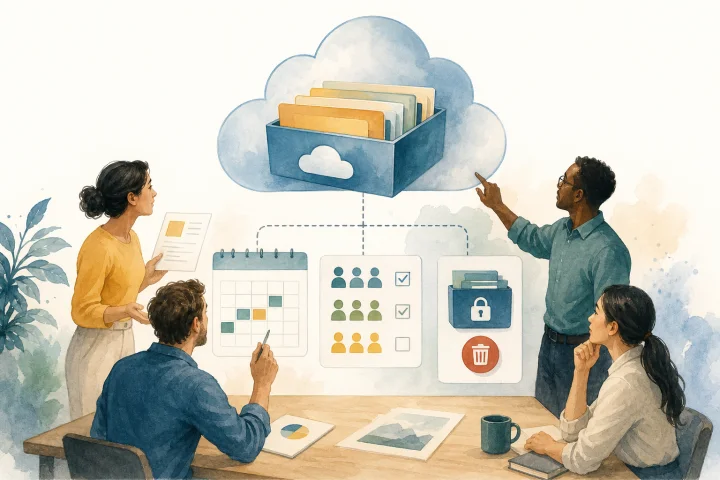
Temporary file downloads: publish, control, and withdraw materials without losing the master file
A practical guide to organizing temporary file downloads with the correct version, adjusted permissions, delivery formats, and controlled campaign closure.
Security and privacy
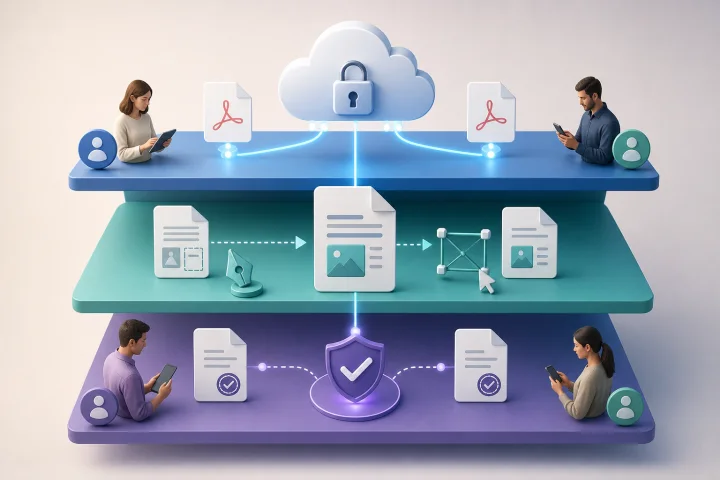
Protect, edit and collect evidence in PDFs: what each layer solves
A practical guide to separating access control, editing, transformation and evidence when sharing sensitive PDFs with internal or external teams.