APIs and automation
File API Errors: How to Diagnose Them Without Exposing Data or Blindly Repeating Actions
A practical guide to finding which stage of a file integration is failing, logging useful information without exposing sensitive data, and deciding whether to fix, retry, or stop an operation.

Why “the upload failed” isn’t enough to diagnose the problem
A generic alert confirms that something did not finish as expected, but it does not tell you where to investigate. The file may never have been sent, the integration’s identity may not have had access, processing may have failed, or a response may have been generated but not successfully downloaded by the client. If all these situations produce the same message, the team tries random fixes and may repeat operations that have already taken effect.
Design your diagnostic process to answer three questions: what action was attempted, at which stage it was interrupted, and what evidence can confirm this. For example, record that a transformation request reached the processing stage and that the result could not be retrieved, without saving the file’s contents. This description is more useful than “error,” but does not claim a cause that has not yet been verified. The initial goal is to narrow down the problem, not guess.
- Replace “the upload failed” with a description of the stage and type of action.
- Separate observed facts from hypotheses about the cause.
- Don’t use the message shown to the user as the only record for support.

Break the workflow into stages before looking for the cause
Divide the workflow into request, authorization, processing, and delivery. For the request, verify that your application builds it with the fields required by the contract, and that the file and options match what is expected. For authorization, check which identity is being used and whether it has access to the operation and resource. Don’t confuse a malformed request with a lack of permission: they require separate investigations.
Next, distinguish processing from delivery. A transformation may not complete; alternatively, a result may exist but the client may be unable to retrieve or download it. Record the last confirmed milestone and the next one that could not be verified. If Apification is part of the workflow, its services integrate through REST APIs, OpenAPI, and webhooks; consult the relevant documentation to understand which signals each interface exposes rather than assuming they all report information in the same way.
- Record the stage, operation, start and end times, and a non-sensitive internal reference.
- Identify which component confirmed the last milestone and which one was supposed to act next.
- Test each part separately when the integration design allows it.

Classify the failure before changing or repeating the operation
A simple classification helps keep different problems separate. Consider at least: invalid or incomplete input; insufficient permission; a temporarily unavailable dependency; and an uncertain result, when you cannot confirm whether the operation made changes. Add a separate category for delivery failures. These are investigation groups, not universal codes: a specific API may use different names, states, or distinctions, which you should verify in its documentation.
Pair each category with a check, not an automatic action. For input issues, validate the format and required fields before sending. For permissions, verify the identity, scope, and effective access to the resource. For a temporary dependency issue, check for evidence of recovery before deciding what to do next. If the result is uncertain, stop repeating the operation until you can reconcile its state. This prevents treating every error as transient or blaming permissions without evidence.
- Record a provisional category and confidence level; update them as evidence emerges.
- Keep “unknown cause” as a valid option.
- Don’t infer the failure category from a brief response message alone.
Useful messages and safe logs serve different purposes
A message for the person operating the system should explain what they can do now: review the data, request access, or contact support with an incident reference. Avoid showing internal details, private paths, file contents, credentials, or full traces. The person needs a clear instruction, not an unfiltered technical response. If the cause is not yet known, say so clearly instead of attributing the problem to a permission issue or an outage.
The technical log needs enough context to reconstruct the workflow, but not the file itself. A safe example might include: date and time, action “transform,” stage “delivery,” environment, observed result, and an opaque correlation reference. Don’t include tokens, keys, unnecessary personal data, sensitive file names, or full request bodies. Define who can access the logs and how long they are retained, in accordance with your organization’s rules.
- Log example: “action=transform; stage=delivery; reference=opaque; result=unconfirmed.”
- Remove or mask secrets and data that are not needed for diagnosis.
- Check that messages, traces, and support tools don’t expose the same data through another channel.
Interpret states and errors according to the API contract
There is no universal error table that you can apply to every API. Google’s documentation for its Indexing API identifies codes and messages specific to that service; those responses do not become rules for a file API. Similarly, a troubleshooting guide for a specific API helps interpret that API, not infer how another one responds. Use these resources as examples of why every integration requires consulting its primary documentation.
Before implementing automatic decisions, find out from the contract which operations are available, what inputs they require, and how their results and errors are described. Also verify whether the documentation defines retry conditions or request identification. If the contract does not resolve a question, don’t invent a meaning based on the error text: preserve the evidence, avoid risky actions, and consult the service owner. Document the contract version or reference used by the team.
- Consult the official documentation for the specific API and operation.
- Check whether states, messages, and retry conditions are defined for that operation.
- Treat any local error mapping as a documented, reviewable interpretation.
Decide whether to fix, retry, or stop
Fix the issue when the evidence points to incorrect input or a permission that needs to be adjusted; then validate the change before sending again. A retry is reasonable only when the documentation and observed state indicate it is safe. If the API documents mechanisms for identifying repeated requests or checking a previous result, use them. Don’t assume an operation is idempotent or that a communication failure means the server did not act.
Stop when the result is uncertain, when repeating could duplicate a conversion, publication, or change, or when there is a risk of unauthorized access. Keep the attempt reference and seek to confirm its state before starting another action. If the API documents retries for webhooks or specific actions, follow those conditions; don’t apply them to other endpoints. In Apification, automations through APIs and webhooks include retries, history, and statistics, but the integration must follow the documented behavior for each action.
- Fix: there is a verifiable cause in the data or permissions.
- Retry: the contract allows it and the previous state is sufficiently clear.
- Stop: the operation may have been applied and you cannot confirm the result.
Test failures and reconstruct incidents using evidence
Include negative tests as well as the successful workflow. Check what happens with incomplete input, an identity without the required permission, a temporarily unavailable dependency, and a download that does not complete. For each case, verify the message shown, the information recorded, and the decision made by the client. Test cases should match what the test environment can actually simulate; don’t force operations that could affect production files.
A useful test lets you reconstruct the sequence without exposing the contents: request started, stage reached, error observed, automatic or manual decision, and confirmed final state. Check that related attempts can be distinguished and that references do not reveal internal identifiers to unauthorized users. If file versions are used, Apification Cloud lets you view history, download previous versions, and restore content; this capability can help recover a previous state, but it does not replace verifying which operation failed.
- Test input, access, processing, and delivery failures separately.
- Verify that actions are not repeated without an explicit, traceable decision.
- Check that the team can follow the incident without accessing secrets or sensitive content.
Checklist for a diagnosable and secure integration
Before releasing an integration, confirm that each operation has an identifiable stage and that the client distinguishes a correction from a retry. Make sure the official contract is available to the people maintaining the code and that automatic decisions have a documented justification. Also review the permissions used by the integration: granting more access than necessary can turn a configuration problem into file exposure.
Finally, rehearse the support procedure using a test incident. Someone should be able to explain what was attempted, what was confirmed, what remains uncertain, and the next safe step, using only permitted logs. Apification offers file management and sharing capabilities in Cloud and integration options; the security of the specific workflow also depends on how you configure permissions, controls, and error handling. Keep the checklist up to date when the contract or workflow changes.
- Each error identifies the stage and a non-sensitive correlation reference.
- User messages guide people without revealing internal details.
- Logs omit credentials, file contents, and unnecessary personal data.
- Codes and states are interpreted using the documentation for the specific API.
- Retries depend on the contract and certainty about the result.
- Error cases are tested, and the team can reconstruct an incident.
Frequently asked questions
Can I use the same error codes for every file API?
No. Codes, messages, and meanings depend on the API and operation. Consult the contract and official documentation for the integrated service; don’t extrapolate from the error table of a different API.
When should I retry a file operation?
Only when the applicable documentation allows it and you can assess the state of the previous attempt. If you don’t know whether the file has already been processed or changed, stop and confirm the result before acting again.
What information should a safe error log contain?
Include the action type, stage, timestamp, observed result, and a correlation reference that does not expose internal information. Exclude credentials, file contents, and personal data that are not necessary.
Sources and further reading
Documentation consulted while preparing this article.
- Lista de errores de la API de Indexing — Google for Developers
- Solucionar problemas de la API multivariante — Microsoft Learn
- Solución de errores y latencia de la API — OpenAI Help Center
Explore Apification
Related articles
APIs and automation
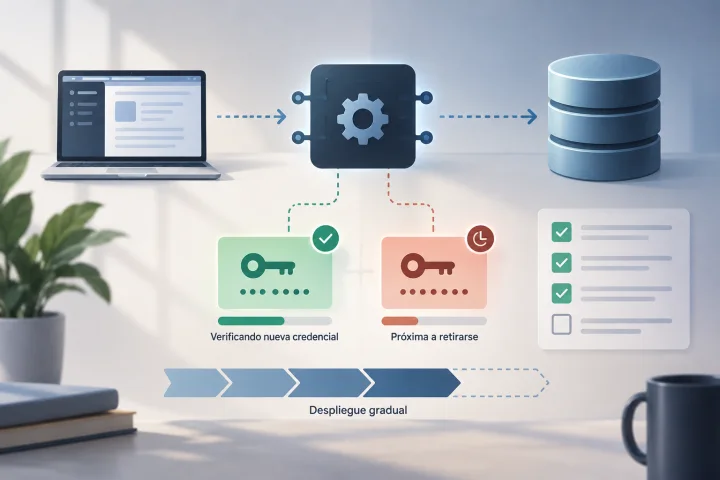
How to Rotate API Credentials Without Leaving a File Integration Halfway Done
A guide to preparing, deploying, verifying, and retiring API credentials with controls that reduce the risk of disrupting file workflows.

APIs and automation
Null, Empty, Zero, or Missing: How to Avoid Changing Meaning in JSON for an API
Distinguish values in a JSON payload and consult the endpoint contract before deciding what to send.
APIs and automation
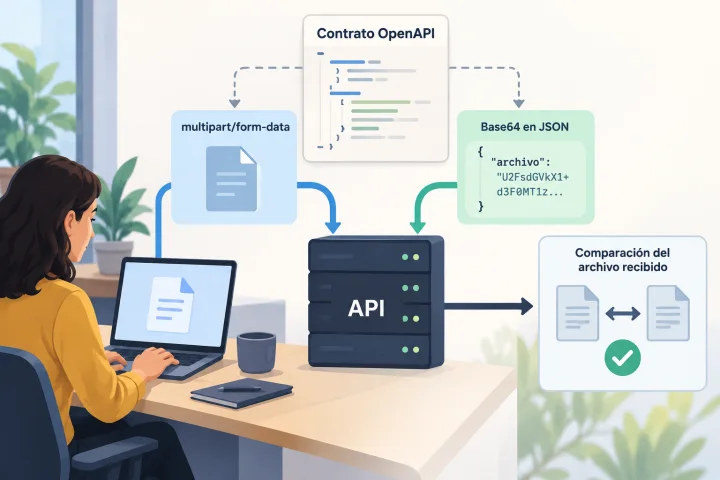
Uploading Files to an API: Multipart or Base64 and How to Prevent Corrupted Uploads
The right representation depends on each endpoint’s contract. Learn how to inspect it, build compatible requests, and verify the received file before putting the integration into production.