Interactive content
How to Review Duplicate Form Responses Without Deleting Valid Records
A match alone does not prove that a response is an error. Define what counts as a duplicate for your form, check uncertain cases, and keep the source intact while preparing a cleaned version.
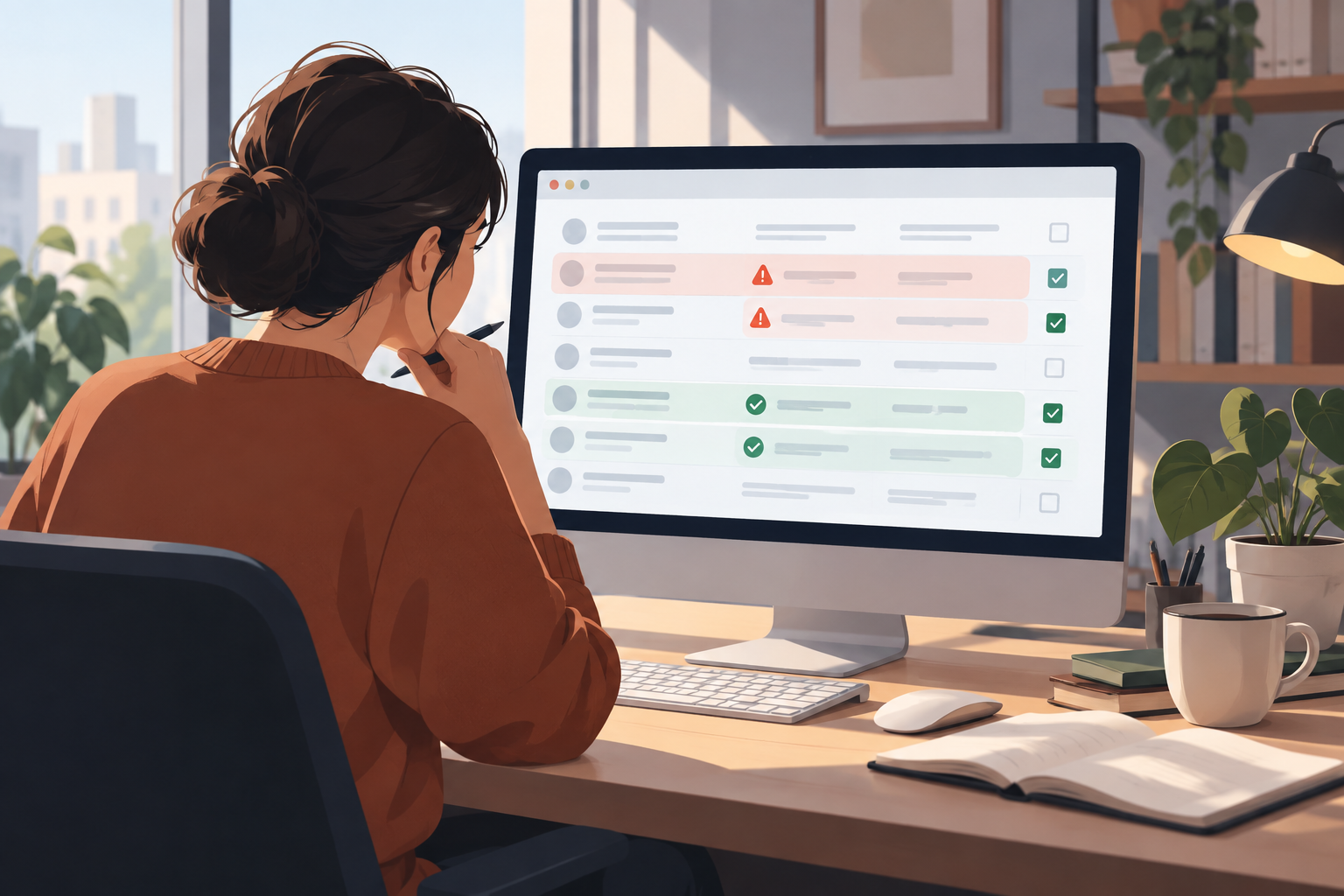
A match is a case to review, not a verdict
Two rows with the same name, email address, or response may look like duplicates without necessarily representing the same submission. They may also belong to two different people, be a joint response, or reflect participation in different periods. The form’s purpose and the context of each record matter: a recurring survey may allow more than one response from a person, while a sign-up form for a one-time activity might warrant a review of a second submission.
Before examining the responses, write a brief rule explaining what you will consider a duplicate for that form. For example, you might consider the available identifier, activity, and period together. This is a working rule to adapt to your situation, not a universal standard or an automatic Apification feature. If you cannot confirm that two records represent the same submission, leave them pending review instead of treating them as errors.
It is also helpful to distinguish a match from a conclusion. A match is a signal to check; a conclusion requires sufficient context according to the agreed rule. If several people are reviewing the records, sharing that rule in advance helps them apply the same standard and makes it easier to explain decisions later.
- Consider whether the form allows more than one response per person.
- Include dates, stages, or activities when they help distinguish valid records.
- Do not conclude that two responses are duplicates based only on one similar field.
- Decide what to do with cases you cannot confirm.

How to find matches and review the context
Start by identifying which fields are relevant to the form’s purpose. If there is a registration number or internal reference, it may help locate rows that deserve comparison. If there is no stable identifier, you can review several available fields together, such as name, email address, and activity date. Combining fields helps find cases to check, but does not by itself confirm that two rows represent the same event.
When comparing two records, look for both similarities and differences that matter under your rule. A spelling variation may be a typo, but it may also indicate a different person. A different date may be decisive in a form used across multiple stages. Note the question that still needs an answer—for example, whether both submissions belong to the same activity—instead of filling in missing context with an assumption.
As an example of a specific tool, ActivityInfo’s documentation says you can go to the form, open “Tools,” and select “Scan for Duplicates.” The available evidence confirms that this scanning option exists, but does not establish here which criteria it applies or what result it will return in each case. Consult its instructions before acting on records, and do not attribute this feature to Apification.
There is also a Google Sheets community video about removing duplicates from a table as part of data cleaning. The resource title alone is not enough to determine which specific steps are appropriate for your form or how to resolve ambiguous cases. Use it as a reference related to cleaning tables, not as a substitute for a review rule suited to your context.
- Compare several relevant fields and the context, not just one isolated detail.
- Separate clear cases from those that need more information.
- For ActivityInfo, consult the guide “Removing Duplicate Records in a Form”: https://www.activityinfo.org/support/docs/translations/es/working-with-data/removing-duplicate-records-in-a-form.html
- The Google Sheets resource is “[Google Sheets] Data cleaning: remove duplicates from a table”: https://support.google.com/docs/community-video/234254052/google-sheets-limpieza-de-datos-quitar-duplicados-de-una-tabla?hl=es

Prepare a working copy and document your decisions
As a recommended editorial practice, keep an unchanged reference version and carry out the review in a working copy. This lets you separate the source from cleanup decisions made for a specific analysis. This is an organizational suggestion, not a procedure documented by the cited sources or an automatic detection or preservation feature.
In the copy, you can use simple statuses such as “confirmed,” “pending,” and “valid,” along with a brief reason tied to the agreed rule. For example: “same identifier and same activity” or “same person, later follow-up.” If the reason is still uncertain, note it as an open question. Avoid storing more personal information than necessary to understand the decision.
Make the note understandable to someone who did not take part in the review. State which rule was applied and which copy the reviewed record belongs to. If a decision depends on a date or activity, mention that context. The purpose of these notes is to explain the work, not to claim that a tool automatically classified or validated the responses.
Apification lets you create structured forms with exportable responses. It also offers Cloud as an organized, versioned space: you can view an item’s history, download earlier versions, and restore content. These capabilities help manage forms and files within the product, but they do not detect duplicate responses on their own or replace review judgment.
- Keep the reference source intact and clearly identified.
- In the working copy, note the status and reason for each decision.
- Record uncertainties as pending instead of resolving them through an assumption.
- Avoid including unnecessary personal data in your notes.
Decide whether to keep, flag, or exclude a record from the analysis
After reviewing the context, you can organize cases into three working groups. Keep records that appear valid under the defined rule. Flag those you cannot confirm for follow-up. If the review supports the conclusion that two records represent the same submission, you can exclude one from a copy prepared for analysis without repeats, documenting the criterion. This proposed exclusion from an analytical copy does not mean you should delete the source.
Consider a hypothetical sign-up form for a one-time activity. Two rows with the same reference and the same activity might be worth checking; a second row corresponding to another stage could have a different explanation. If you do not have enough context to decide, the appropriate status for your review may be “pending,” not “duplicate.” These examples illustrate how to apply your own rule; they do not describe guaranteed results from a tool.
Before sharing an analysis copy, explain what was excluded and why. That note helps people interpret the results and revisit a decision if new context emerges. Do not present a list of matches as a definitive list of errors: initial identification and the later decision are separate parts of the work.
- Keep valid cases and those you cannot confirm.
- Flag records for follow-up when they need additional context.
- Exclude rows from an analytical copy only under an explicit rule.
- Describe exclusions so the scope of the copy is clear.
Clarify the instructions and check the result
To reduce ambiguity from the start, explain who should respond, whether more than one response is allowed, and what to do if someone has already taken part. If responses may correspond to different stages, explain how to identify them or include date or reference fields when needed. These suggestions help establish the context for a review; they do not guarantee that there will be no matches.
Apification lets you create forms with validations and access controls. Check that a particular validation covers the condition you need before relying on it. Do not assume that it automatically prevents duplicate responses: being able to configure validations is not, by itself, a universal deduplication rule.
As a final editorial check, confirm that the analysis copy follows the rule you defined and that uncertain cases retain an explanation of their status. If you excluded rows, record the reason in the copy. You can review some cases again to check that decisions are consistent with your criteria, without presenting that check as an automatic platform feature.
The result should make clear which material is the source and which is the copy prepared for a specific purpose. If the context changes or new information affects a decision, record the change in the working copy. Keeping observations, decisions, and uncertainties separate makes it easier to explain how you produced an analysis version without confusing it with the source data.
- State who should respond and how many responses are expected.
- Check the scope of validations before relying on them.
- Make criteria and exclusions clear in any analysis copy.
- Do not attribute automatic duplicate detection to Apification.
Frequently asked questions
Are two identical responses always duplicates?
No. They may be repeated submissions, joint responses, or legitimate participation at different times. Use the form’s purpose and context to review each case.
Does form validation automatically prevent duplicate responses?
Do not assume so. Apification offers validations, but you need to check whether the configured condition covers your case; a validation does not necessarily detect duplicate submissions.
Should I delete records that I confirm are duplicates?
Not necessarily. You can exclude a confirmed case from a copy prepared for analysis and document the decision without changing the original source.
Sources and further reading
Documentation consulted while preparing this article.
- Eliminar Registros Duplicados en un Formulario — ActivityInfo
- [google sheets] limpieza de datos: quitar duplicados de una tabla — Google Sheets Community
Explore Apification
Related articles

Interactive content
Pages with Cloud media: publish without duplicating or breaking versions
A practical guide to publishing pages with documents, images, and videos stored in Cloud, while keeping originals, variants, permissions, and history under control.

Interactive content
Landing Pages for Lead Generation: Minimum Data, Useful Attribution, and Controlled Downloads
A practical guide to publishing a landing page with a form and downloadable content without asking for too much data, losing attribution, or creating messy leads.

Interactive content
Limited-Capacity Event Registrations: Avoid Overbooking, Duplicates and Confusing Lists
A practical guide to designing a reliable registration flow before publishing an event with limited seats, from capacity to the final attendee list.