Interactive content
Pages with Cloud media: publish without duplicating or breaking versions
A practical guide to publishing pages with documents, images, and videos stored in Cloud, while keeping originals, variants, permissions, and history under control.

Why a page can fail even when the design is right
A resource page, an internal microsite, or a campaign does not depend only on its visual design. It also depends on every downloadable document, image, or video pointing to the right resource, having appropriate permissions, and maintaining a clear relationship with its original. Many incidents appear when files are copied to “move faster,” an old export is published, or a resource is replaced without checking which page is using it.
In Apification, the operational approach is to build publishable pages with sections, forms, Cloud media, analytics, and artificial intelligence assistance, while keeping files inside an organized and versioned space. That separation prevents the page from being treated as a chaotic container. The page displays or distributes resources; Cloud preserves the file, its history, its permissions, and its shareable variants.

Separate the page, the canonical file, and the published variant
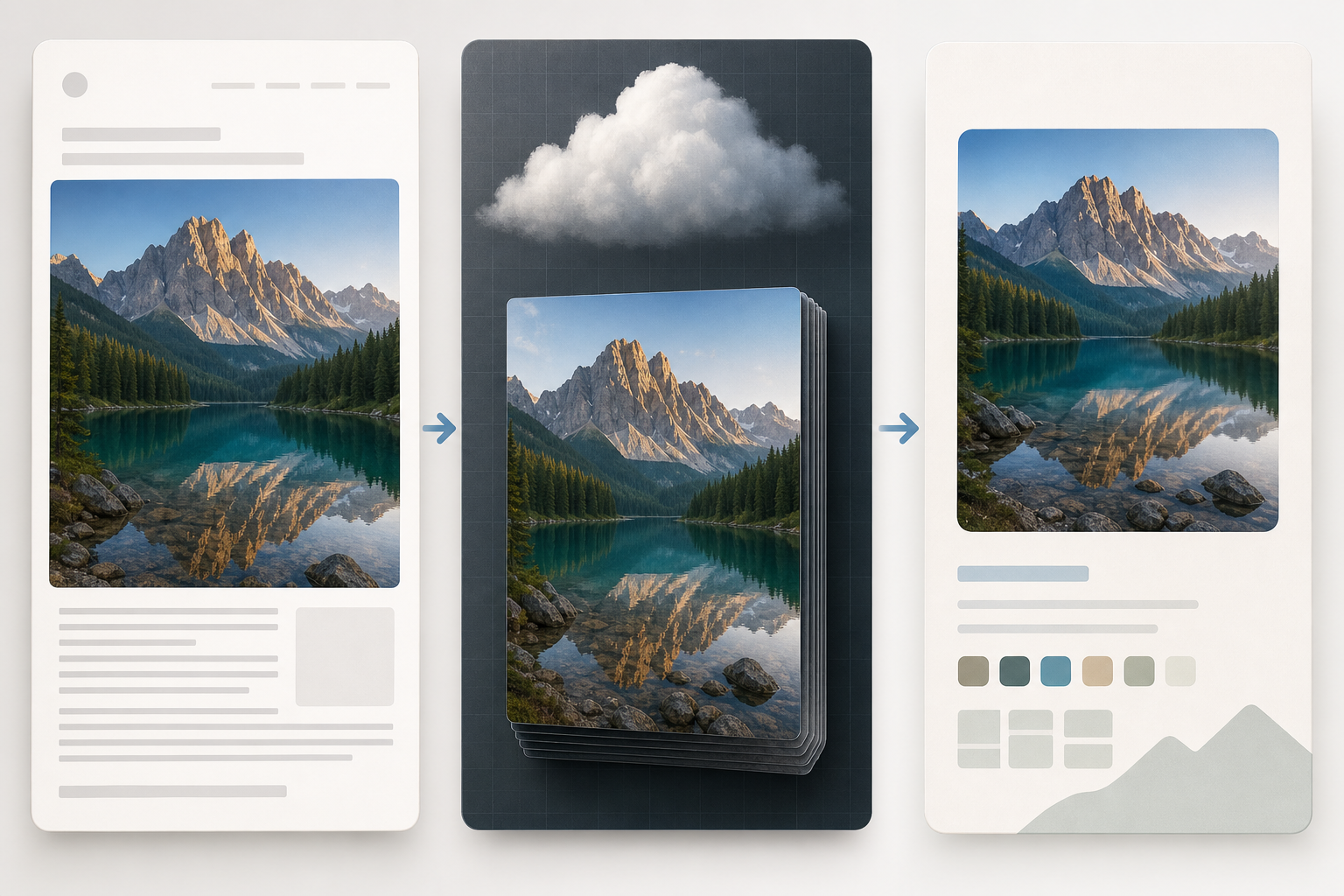
Before publishing pages with Cloud media, it is useful to distinguish three pieces. The first is the publishable page: the place where the user sees an explanation, completes a form, or downloads a resource. The second is the media stored in Cloud: the canonical file that the team recognizes as the valid source. The third is the transformed variant: an optimized, converted, rendered, or prepared version for viewing and download.
This distinction reduces maintenance errors. An office editable can remain inside Cloud and be edited with ONLYOFFICE, while the page offers a transformed PDF. An image can be edited with layers, text, shapes, filters, and modern export formats in Image Studio, while the page uses a reasonable export for publication. A video can be edited on a multi-track timeline and published as a final render, without exposing internal materials.
- Page: structure, text, forms, analytics, and publication.
- Canonical file: working source, permissions, and history.
- Variant: derived copy for download, preview, or distribution.
Organize resources before building the page
Prior organization prevents improvised decisions during publication. Create a project folder in Cloud with predictable names and recognizable statuses: originals, exports, approved, and retired. Apification Cloud lets you manage files, services, and digital projects in an organized, versioned space designed for sharing. That foundation matters when marketing, training, operations, agencies, or external reviewers are involved.
Use names that indicate content, language, date, or status without relying on external conversations. For example, “product-guide-en-original,” “product-guide-en-download,” and “campaign-hero-export-web.” The logic does not have to be perfect, but it does have to be repeatable. Avoid duplicating files as an organization method if you later need to update a single original.
- Define a project folder before laying out the page.
- Separate editable originals from exports that are ready to publish.
- Use stable names that are understandable to people new to the project.
- Keep a clear location for retired resources, without confusing retirement with deletion.
When to use originals and when to use transformations
Not every file should be inserted exactly as it was created. For downloadable documents, it is usually safer to publish a transformed version if the original is still being edited or contains internal structure. Apification lets you convert, split, merge, optimize, and process documents, images, video, audio, and data through a guided assistant. This helps prepare the format the user will see without losing the working file inside Cloud.
For images, Image Studio lets you edit on an integrated canvas with layers, text, shapes, filters, and modern export formats. For video, Video Studio lets you edit video, audio, images, text, and subtitles on a multi-track timeline with preview and rendering. The practical decision is simple: insert the original only if that file is truly the deliverable; use a variant when you need optimization, compatibility, editorial cleanup, or protection against unapproved changes.
- Use the original when the canonical file is the final resource the user should receive.
- Use a variant when the original is editable, heavy, internal, or subject to change.
- Generate a new export when the content changes, not when only the page changes.
Permissions: the page and the file do not always have the same audience
A common mistake is to publish a page and assume that all its resources become available automatically. In systems such as Google Sites, the documentation warns that a file stored in a shared drive or with restricted permissions will only be visible to those who have access to that file. It also allows permissions for inserted files to be updated when embedding a file, publishing, or sharing a site, and recommends sharing file access with collaborators and readers when publishing. The operational rule applies to any team: the page and each media item have different permission surfaces.
Apification lets you share items through links, users, or groups, and offer original or transformed downloads. It also protects files and services with permissions, OTP, external authentication, restrictions, and publication windows. Before opening a campaign, check who can view the page, who can access the file, and whether the download being offered is the original or a transformation. For temporary content, use restrictions or publication windows instead of relying on manual reminders.
- Review page access and file access separately.
- Check users, groups, links, and active restrictions.
- Do not publish an internal editable if the user only needs a final download.
- Use publication windows when the content has clear opening or closing dates.
Replace a resource without breaking the page
Updating a resource should not turn into a search for copies. If the page points to a specific variant, document which file generated it and when it was approved. When there is a correction, edit the original in Cloud or in the corresponding editor, generate a new variant, and replace the published resource in a controlled way. Avoid random renaming, because it can make the resource harder to identify and analytics measurements harder to read.
History is your safeguard against incorrect updates. Apification lets you review the history of Cloud items, download previous versions, and restore content safely. Use it before replacing sensitive materials: download the previous version if you need to compare it, confirm that the new file corresponds to the approval received, and keep a return path. Do not mix the logic of editable documents and exports without checking what the page is using.
- Identify which page uses each resource before replacing it.
- Generate a new variant from the approved original.
- Test the download or display after the change.
- Restore from history if the update was incorrect.
Final checklist and common issues before publishing
The pre-publication review should be concrete. Open the page as a visitor would, test links, download documents, play videos, and review mobile behavior. Check that the size and format are reasonable for the intended use, that the visible image is not a temporary mockup, and that files that should not be exposed remain off the page. If there are forms, validate access and data capture before sharing the link.
The most common issues are predictable: deleting an export that the page was still using, changing names without a clear rule, confusing a copy with the original, publishing an internal editable, removing access for one person without reviewing groups or general access, or believing that deleting a download is the same as deleting all history. The useful discipline is simple: one recognized original, deliberate variants, reviewed permissions, and restoration prepared before touching already published resources.
- All links open the expected resource.
- Each download corresponds to the approved variant.
- The page and the media have compatible permissions.
- No internal originals are exposed by mistake.
- The mobile experience has been checked.
- There is a recoverable previous version if the replacement fails.
Frequently asked questions
Should I duplicate files to use them on several pages?
Not as the main practice. It is better to keep a canonical file in Cloud and create deliberate variants for publication or download. This reduces confusion about which version should be updated.
Does a published page guarantee that its files are visible?
Not necessarily. The page and the media can have different permissions. Review page access, file access, links, users, groups, and any active restrictions.
When should I publish a transformed variant?
When the original is editable, heavy, internal, or not optimized for the end user. Apification lets you transform documents, images, video, audio, and data through a guided assistant.
What should I do if I replace a resource and it was incorrect?
Review the item history in Cloud. Apification lets you download previous versions and restore content safely, making it easier to return to a valid state.
Sources and further reading
Documentation consulted while preparing this article.
Explore Apification
Related articles

Interactive content
Form or Event Page: Which Should You Choose to Collect Registrations?
Choose based on whether you need to collect responses or manage registrations tied to an activity, capacity, attendees, or an access period. Compare the user journeys and check what you need before publishing.

Interactive content
How to Collect Feedback on Files and Link Each Comment to the Right Version
A guide to organizing document, image, and video reviews: identify the version, ask specific questions, sort responses, and decide what to do if the file changes.

Interactive content
How to Review Duplicate Form Responses Without Deleting Valid Records
A match alone does not prove that a response is an error. Define what counts as a duplicate for your form, check uncertain cases, and keep the source intact while preparing a cleaned version.