Multimedia
How to Hand Off a Multitrack Audio Project Without Losing Alignment
A useful handoff makes it easy to identify each track, restore its timeline position, and understand which decisions are still pending. Learn how to prepare source files, a reference mix, and notes without confusing audio files with a native session.
Decide What the Next Person Needs to Receive
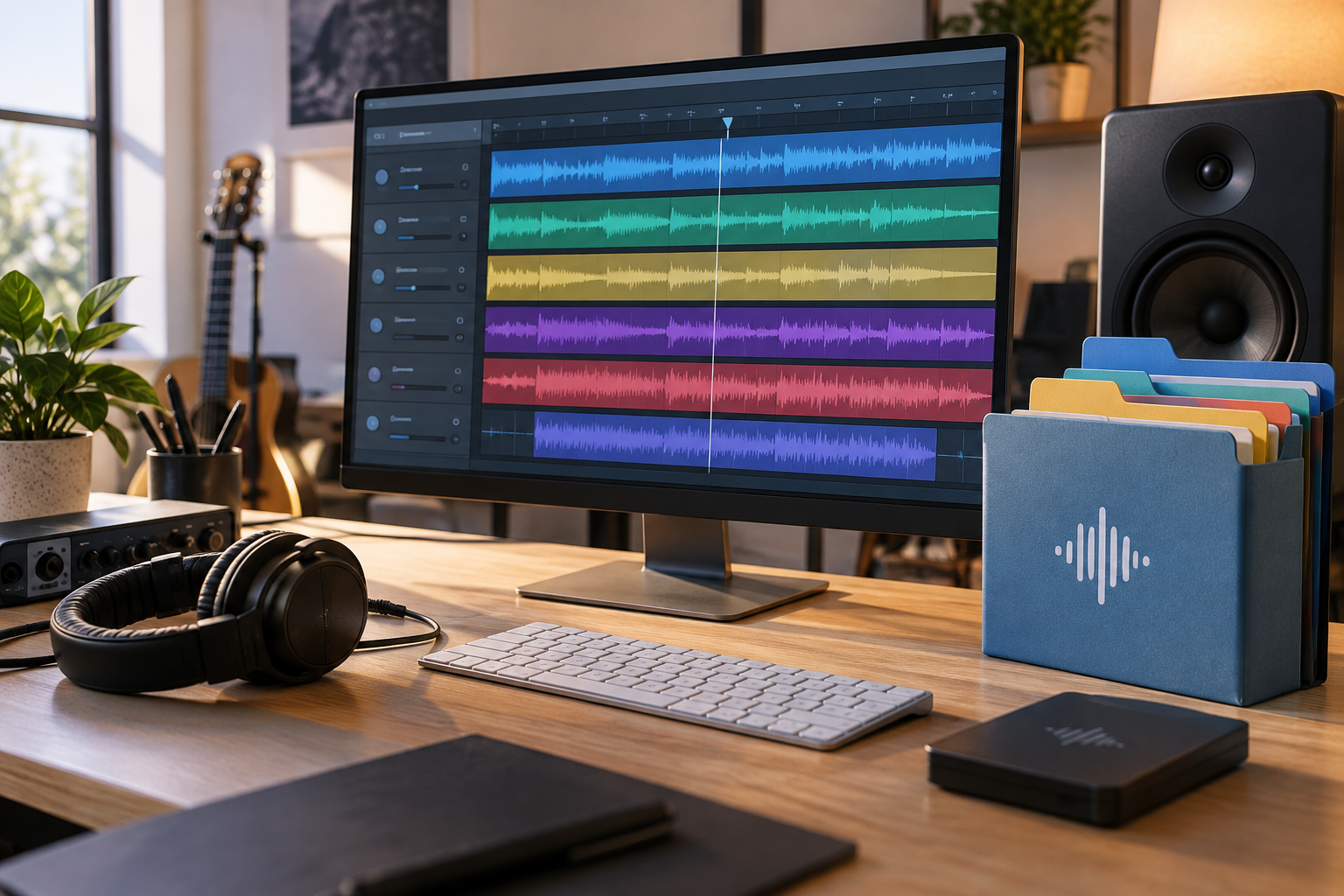
Before exporting or sharing files, agree on the outcome the person continuing the work needs. A reference mix may be enough for review; they may need the individual tracks for editing, or the original files to revisit earlier decisions. For a collaborative project, the most practical handoff is often a combination of source files, working tracks, a reference mix, and brief notes. Don't assume that a folder of audio files is the same as handing over an editable project.
Also confirm which application the other person will use and whether they expect separate audio files or a native session. Audio files can be used to rebuild a timeline, but they don't necessarily contain a session's organization or editable decisions. Session compatibility depends on the target application and the formats it supports. Agreeing on this beforehand prevents the common problem of sending a project the recipient can't open.
- Ask whether they need the original sources, edited tracks, a reference mix, or the complete package.
- Confirm the target application and the type of handoff it can open.
- Agree on how pending changes will be flagged and who will review them.
Organize and Name Files by Their Function
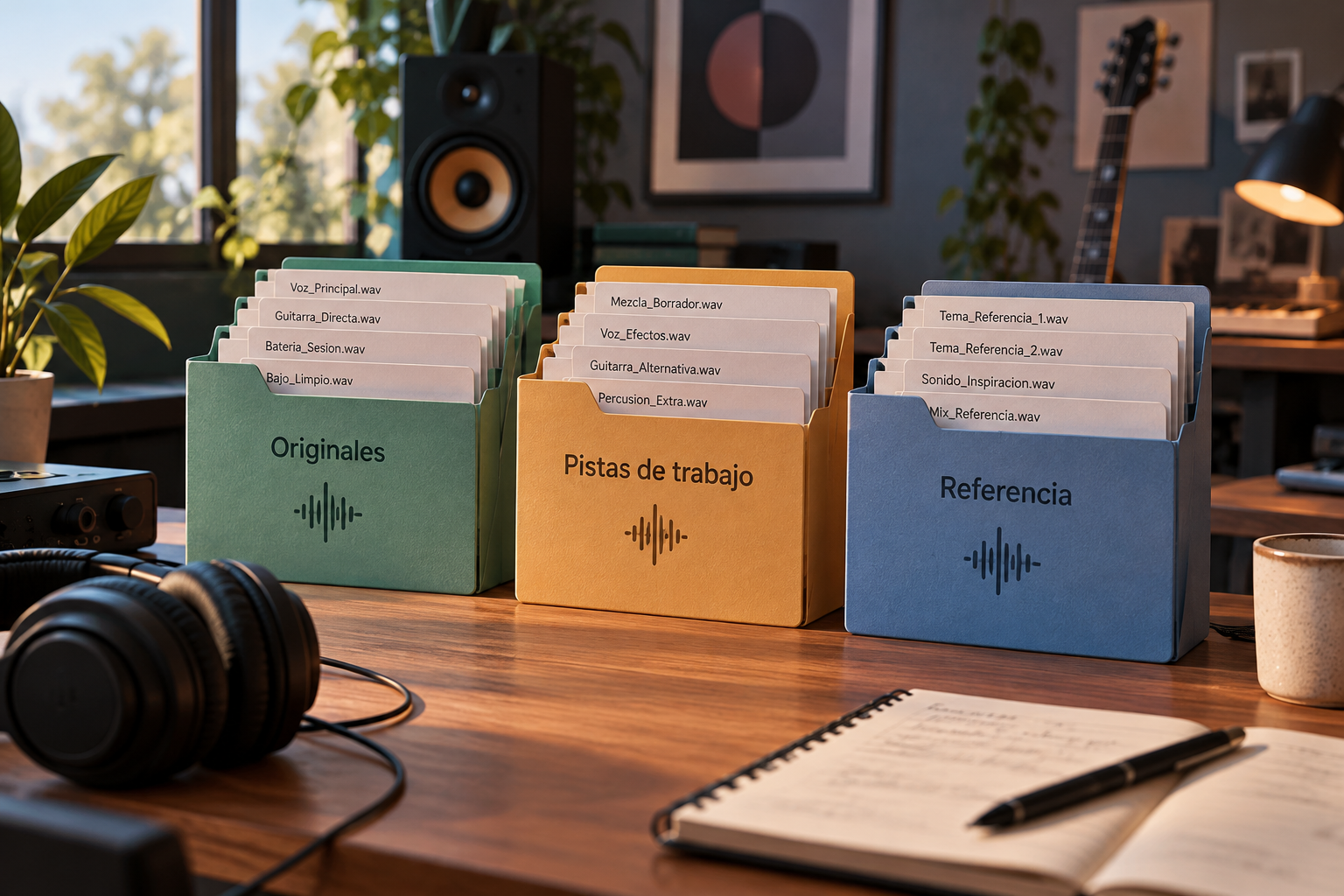
Prepare a structure that makes the contents clear without relying on the order in which files appear. For example, separate originals from edited tracks and reference mixes. Within each group, identify tracks by voice, instrument, or function: a label such as “Interviewee” says more than “Track 2.” If there are several voices, add a name or role that distinguishes them consistently in both the files and the notes.
Use a consistent naming convention and avoid ambiguous names such as “final,” “new final,” or “latest.” If you hand over more than one version, explain how they differ and which one the recipient should review first. Don't rename a track in one place and leave it with a different name elsewhere: discrepancies make it harder to match a file to the relevant note. The goal isn't to impose a universal structure, but to let someone find each item without guessing.
- Check that each file name describes the voice, instrument, or function.
- Clearly distinguish originals, working tracks, and the reference mix.
- Identify alternative versions and indicate which one is the primary version.
Preserve Alignment from the Start Point
The other person needs to know where to place each track on the timeline. One simple option is to keep the same recording start point for every exported track, even if a voice comes in later. That way, each file can be placed from a shared origin instead of being aligned by a phrase or sound that may not be obvious. Agree on this approach with the recipient before exporting: not every workflow assumes it.
If files start at different positions, document each offset explicitly using a clear reference, such as the agreed start time. Don't rely only on a description like “comes in later” or assume the file name reveals its position. If you can't confirm that the start point was preserved, open the files and check a recognizable moment against the reference. This simple check can catch an out-of-sync track before further edits are made.
- Define a shared origin or note each track's offset.
- Include a clear time reference when start points don't match.
- Play back an identifiable section before sending the files.
Include a Reference Mix and Useful Notes
The reference mix shows how the tracks related to one another at the time of handoff and helps the recipient compare their reconstruction. Present it as a guide, not as a substitute for the individual tracks: a mix doesn't let you recover each voice or source that was combined in it separately. Label it as a reference and, if there are several, indicate which one corresponds to the current state. If the mix reflects an earlier version, make that clear so it isn't mistaken for the current target.
Include concise notes about decisions that affect the next steps: where there are significant edits, which effects have been applied or are still pending, and what questions remain open. Distinguish what has been done from what is proposed; for example, “effect applied” doesn't mean the same thing as “try effect.” Avoid writing a complete editing diary. A useful note identifies the section, the affected track, and the action needed, so the recipient can check it without listening blindly to the entire recording.
- Label the mix as a reference and state which version it corresponds to.
- Summarize edits, applied effects, and decisions that are still pending.
- Specify the track and section for each note that requires review.
Check Everything Before Sharing
The final review should confirm that the package can be understood, not just that the files exist. Open each audio file and check that it plays; make sure its duration and order make sense alongside the notes and the mix. A track that's much shorter than expected may be correct, but it could also mean that a section was exported instead of the intended take. If something differs, explain it rather than expecting the recipient to work out why.
Compare a recognizable section of the tracks with the reference mix to check that their placement and content are consistent. Also verify that the reference and tracks correspond to the same project state. If you share the materials in Apification Cloud, you can organize them in a workspace designed for managing and sharing files and projects, and reviewing their history; Cloud does not, by itself, turn a collection of files into a session compatible with another application. Make clear what the other person should download or review.
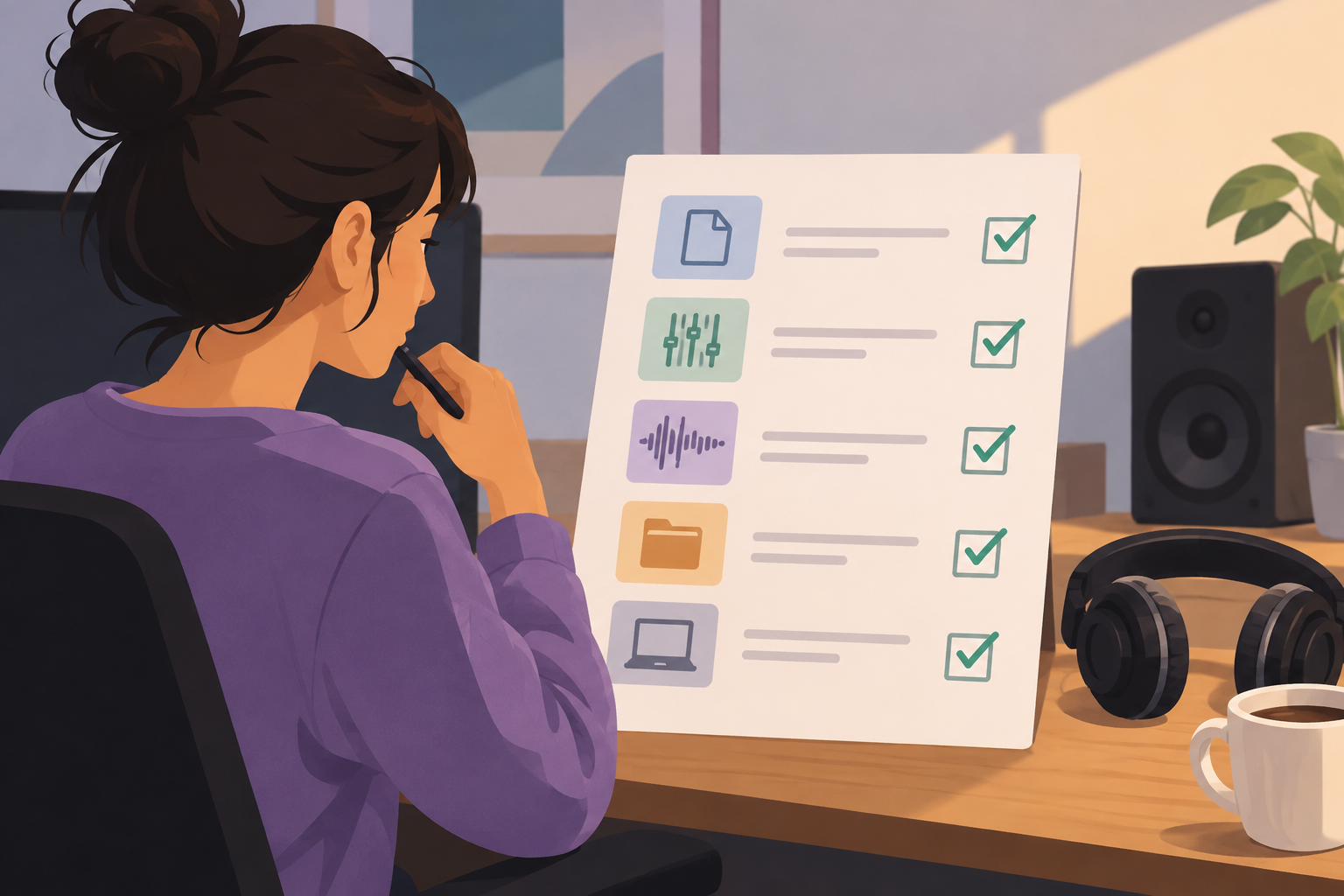
- Open the files and confirm that they play.
- Check duration, order, names, and consistency with the notes.
- Compare a section of the tracks with the reference mix.
- Confirm that the shared version is the one you intend to hand over.
Distinguish Audio Files from a Native Session
A package of individual tracks makes it easier to continue editing in another multitrack editor, as long as the recipient knows how to place them and which decisions are pending. A native session can preserve an application's own project structure, but its usefulness depends on whether the target program can open it. That's why it's best to ask which application the recipient uses rather than promise compatibility between different tools. If they only need to listen or review, they may not need the session; if they need to change decisions within the project, confirm that requirement in advance.
Audio Studio lets you edit recordings and tracks on a multitrack timeline, with effects, fades, and export. It may be an option for continuing an edit within that tool, but it should not be presented as a guarantee that it will open a native session created in another application. Nor does it replace the handoff checks: preserve the source files, explain the alignment, and validate the result. Apification Cloud can help organize and share the items in the package; the deciding factor is still which work format the recipient can continue using.
- If you're handing over a native session, confirm first that the target application supports it.
- If you're handing over audio files, include the information needed to reconstruct their positions.
- Use the mix as a guide and the individual tracks to continue the work.
- Avoid claiming compatibility between applications unless it has been verified.
Frequently asked questions
Does a reference mix replace the individual tracks?
No. It shows how the tracks sounded together in a particular version, but it doesn't replace the individual files needed to modify sources separately.
How can I keep tracks from losing alignment?
Agree on a shared start point and preserve it in the exported tracks. If each file starts at a different time, clearly note the offset and check a section against the reference.
Can I hand over a native session and assume it will open in another editor?
No. Compatibility depends on the application and session format. Confirm this with the recipient and prepare organized audio files as an alternative if they need one.
What does Apification Cloud add to the handoff?
Cloud lets you organize files and projects in a workspace designed for sharing, and provides item history. It doesn't guarantee that a native session will be compatible with a different application.
Sources and further reading
Documentation consulted while preparing this article.
Explore Apification
Related articles
Multimedia
How to Create a Video Review Proxy Without Replacing the Master
A lightweight copy can make it easier to review and send a video, but it may not be suitable as an editing proxy. Learn how to prepare and check one without replacing the master.
Multimedia
How to Adapt a Logo for a Dark Background Without Losing Contrast or Altering the Original
Prepare a light logo variant on a working copy, check its legibility in real-world uses, and keep the editable file separate from the exports.

Multimedia
How to Create a Photo Contact Sheet Without Confusing the Originals
Organize thumbnails, codes, and comments to review selections clearly. Learn how to assemble and check the sheet, and keep it separate from the original files.